
Key facts
Start here
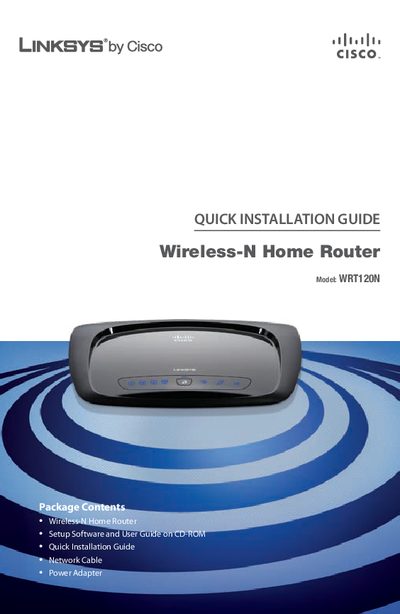
Linksys WRT120N Quick Installation Guide
This guide provides step‑by‑step instructions for installing the Linksys WRT120N router using the supplied setup CD. It covers inserting the CD, selecting language, and running the Setup Wizard on both Windows PCs and Macs.
The document also explains how to create a wireless connection from the router to a PC or a Mac, including selecting the wireless network, entering the security key, and completing the configuration. Support contact information and recycling notes are included at the end.
Linksys WRT120N specifications
| Ethernet ports | 4 |
|---|---|
| Power LED behavior | Solid when powered, blinks during start‑up |
| Wall‑mount screw spacing | 152 mm (6 inches) |
Source: Linksys WRT120N User Manual
All Linksys WRT120N documents by type
Day-to-day operation, settings and troubleshooting. Start here if the product is already set up.
The shortest path to a working setup, usually only a few pages.
Questions answered in these manuals
How do I start the router setup on a PC?
Insert the Setup CD-ROM into your CD-ROM drive, select your language, and click Start Setup to launch the Setup Wizard.
How can I connect a Mac to the router wirelessly?
Click the Wireless icon on the desktop, select your wireless network, and enter the password when prompted.
What is the default admin password?
The default password is "admin".
How can I change the default SSID?
Open the web interface, go to Wireless > Basic Wireless Settings, and edit the SSID field.
What is the default admin password?
The router ships with the default password "admin".
How many Ethernet ports does the WRT120N have?
It provides four Ethernet ports labeled 1 through 4.