
Key facts
Start here
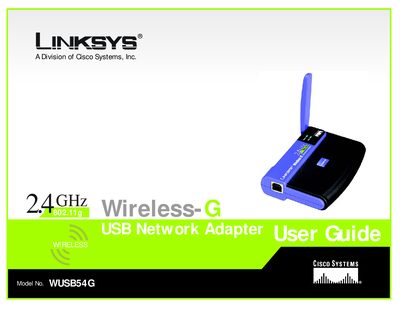
Linksys WUSB54G USB Network Adapter User Guide
This guide explains how to install, configure, and use the Linksys WUSB54G Wireless‑G USB Network Adapter. It walks you through the Setup Wizard, explains the adapter’s physical features, and shows how to connect to a wireless network and use the built‑in Network Monitor.
The manual includes chapters on planning a wireless network, security settings, troubleshooting, specifications, warranty, regulatory compliance, and contact information for Linksys support.
Linksys WUSB54G specifications
| Standards | 802.11g, 802.11b, USB 1.1, USB 2.0 |
|---|---|
| LED Indicators | Power, Link |
| Transmit Power | 15-17 dBm |
| Receive Sensitivity | 11 Mbps @ -82 dBm (Typical) / 54 Mbps @ -67 dBm (Typical) |
| Security Features | WEP and WPA Encryption |
| Security Key Bits | Up to 128‑Bit Encryption |
| Dimensions | 3.58" x 0.91" x 2.80" (91 x 23 x 71 mm) |
| Unit Weight | 2.82 oz (80 g) |
| Operating Temperature | 32 to 131ºF (0 to 55ºC) |
Source: Linksys WUSB54G Wireless-G USB Network Adapter User Guide
All Linksys WUSB54G documents by type
Day-to-day operation, settings and troubleshooting. Start here if the product is already set up.
Questions answered in these manuals
What security options are available for the WUSB54G adapter?
The adapter supports WEP and WPA/WPA2 encryption with up to 128‑bit security keys.
From: Linksys WUSB54G Wireless-G USB Network Adapter User Guide