
Key facts
- Brand
- Linksys
- Model
- SRW2024
- Category
- Network Switches
- Industry
- Computers
- Documents
- 3
- Languages
- EN
- Last added
- 2012-05-08
Start here
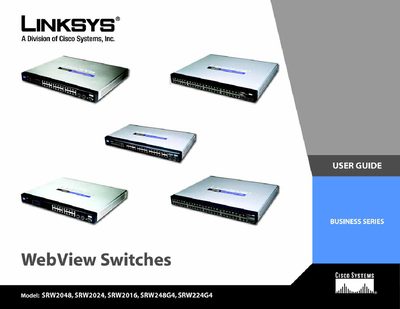
Linksys SRW2048/2024/2016/248G4/224G4 WebView Switches User Guide
This User Guide provides detailed information for installing, configuring, and managing Linksys WebView Switches. It explains the purpose of each chapter, symbols used for notes, warnings, and reminders, and includes a glossary of technical terms.
The guide covers topics such as hardware placement, console and web‑based configuration, VLAN and security settings, QoS, spanning‑tree, SNMP, and administrative functions, plus appendices with technical references, warranty, regulatory information, and contact details.
Linksys SRW2024 specifications
| Switching Capacity | 96 Gbps |
|---|---|
| MAC Table Size | 8 K entries |
| Number of VLANs | 256 |
| RJ‑45 Ports (SRW2048) | 48 |
| Shared SFP (miniGBIC) Slots (SRW2048) | 4 |
| Device Dimensions | 430 × 44.45 × 350 mm |
| Operating Temperature | 32 °F to 104 °F (0 °C to 40 °C) |
| Certifications | FCC Part15 Class A, CE, UL, cUL |
All Linksys SRW2024 documents by type
Day-to-day operation, settings and troubleshooting. Start here if the product is already set up.
Questions answered in these manuals
What are the default console serial settings?
Set the serial port to 38,400 bps, 8 data bits, no parity, 1 stop bit, and no flow control.
What is the default username and password for login?
The default username is **admin** and the default password is **p@ssword**.
How many RJ‑45 ports does the SRW2048 have?
The SRW2048 provides 48 RJ‑45 Ethernet ports.
What is the switching capacity of the WebView Switches?
The switches have a non‑blocking switching capacity of 96 Gbps.
How can the switch be configured using the console interface?
The switch can be configured via a HyperTerminal session or a Telnet session using the console port.
From: Linksys SRW2048/2024/2016/248G4/224G4 WebView Switches User Guide