
Key facts
Start here
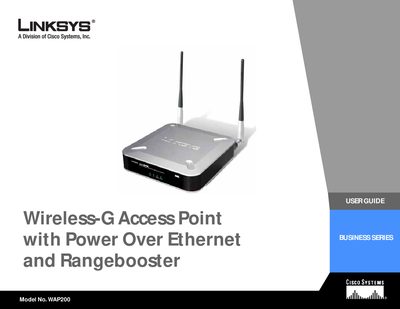
Linksys WAP200 Wireless-G Access Point User Guide
The Linksys WAP200 Wireless‑G Access Point User Guide provides step‑by‑step instructions for planning, installing, and configuring the device. It explains the physical features, LED indicators, ports, antenna placement, and the PoE capability that lets the unit receive power and data over a single Ethernet cable.
The guide also details the web‑based utility for basic and advanced settings, security options, VLAN and QoS configuration, and includes appendices for troubleshooting, firmware upgrades, wireless security, specifications, warranty, regulatory information, and contact details.
All Linksys WAP200 documents by type
Day-to-day operation, settings and troubleshooting. Start here if the product is already set up.
Questions answered in these manuals
What does Power over Ethernet (PoE) do for the WAP200?
PoE lets the access point receive both data and power over a single Ethernet cable.
How many wireless networks can the WAP200 support?
It can support communications on up to four wireless networks using VLAN technology.
What does PoE stand for?
PoE (Power over Ethernet) is a technology that enables an Ethernet cable to deliver both data and power.
How many wireless networks can the WAP200 support?
The WAP200 can support communications on up to four wireless networks using VLAN technology.