
This document is a quick installation guide for the WRT120N Wireless-N Home Router. It provides instructions for installation, software setup, and configuring the network.
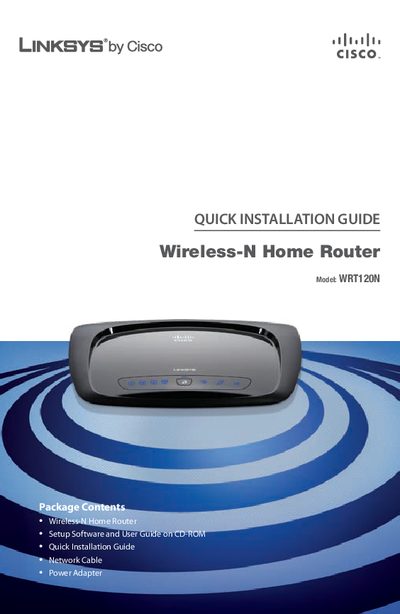
This guide provides step‑by‑step instructions for installing the Linksys WRT120N router using the supplied setup CD. It covers inserting the CD, selecting language, and running the Setup Wizard on both Windows PCs and Macs.
The document also explains how to create a wireless connection from the router to a PC or a Mac, including selecting the wireless network, entering the security key, and completing the configuration. Support contact information and recycling notes are included at the end.
Insert the Setup CD-ROM into your CD-ROM drive, select your language, and click Start Setup to launch the Setup Wizard.
Click the Wireless icon on the desktop, select your wireless network, and enter the password when prompted.