
Key facts
- Brand
- Linksys
- Model
- BEFVP41
- Category
- Other network devices
- Industry
- Computers
- Documents
- 2
- Languages
- EN
- Last added
- 2012-05-08
Start here
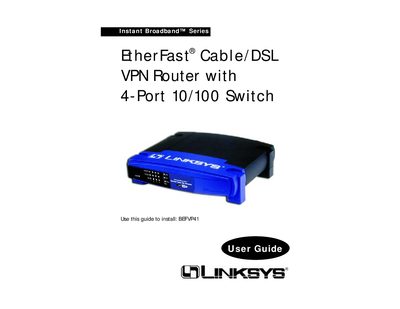
Linksys BEFVP41 EtherFast Cable/DSL VPN Router with 4-Port 10/100 Switch User Manual
This guide covers everything needed to set up the Instant Broadband™ EtherFast® Cable/DSL VPN Router, including hardware connections, IP configuration, and VPN setup. It explains the router’s rear panel ports, front‑panel LEDs, and how to use the built‑in DHCP server.
Detailed chapters describe VPN concepts, IPSec configuration, security features, and troubleshooting steps, while appendices provide specifications, warranty information, and contact details for Linksys technical support.
Linksys BEFVP41 specifications
| Maximum simultaneous IPSec VPN tunnels | 70 |
|---|---|
| Default web interface URL | http://192.168.1.1 |
| Supported encryption algorithm | 3DES |
| Supported authentication algorithm | MD5 |
All Linksys BEFVP41 documents by type
Day-to-day operation, settings and troubleshooting. Start here if the product is already set up.
Questions answered in these manuals
How many simultaneous IPSec VPN tunnels can the Linksys BEFVP41 handle?
The Linksys BEFVP41 can handle up to 70 simultaneous IPSec VPN tunnels.
What is the default web interface address for the Linksys BEFVP41?
The default web interface is accessed at http://192.168.1.1.
How many VPN tunnels can the router handle?
It supports up to 70 simultaneous tunnels.
From: Linksys BEFVP41 EtherFast Cable/DSL VPN Router with 4-Port 10/100 Switch User Manual
What encryption does the router use?
It supports 56‑bit DES and 168‑bit 3DES encryption algorithms.
From: Linksys BEFVP41 EtherFast Cable/DSL VPN Router with 4-Port 10/100 Switch User Manual