
Key facts
Start here
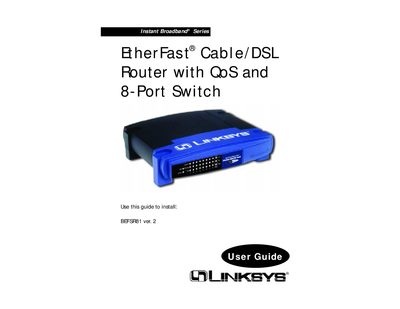
Linksys BEFSR81 Instant Broadband EtherFast Router User Guide
The Linksys BEFSR81 Instant Broadband EtherFast router provides cable/DSL broadband connectivity, QoS, VPN pass‑through, and an 8‑port Ethernet switch. This guide walks you through hardware installation, basic network setup, and configuring the router’s web‑based utility.
You will learn how to connect the router to your modem and PCs, set up DHCP or static IP addressing, use the web interface for advanced features such as port forwarding, DMZ hosting, and QoS, and troubleshoot common issues with LEDs and diagnostics.
Linksys BEFSR81 specifications
| LAN ports | 8 |
|---|---|
| WAN port | 1 |
| QoS support | Yes |
Source: Linksys BEFSR81 Instant Broadband EtherFast Router User Guide
All Linksys BEFSR81 documents by type
Day-to-day operation, settings and troubleshooting. Start here if the product is already set up.
Questions answered in these manuals
What does the Diag LED indicate?
The Diag LED lights red during the router’s self‑diagnosis at boot and turns off when the test completes successfully.
From: Linksys BEFSR81 Instant Broadband EtherFast Router User Guide
How can I enable QoS on the router?
QoS is enabled automatically when the QoS LED on the front panel lights green, indicating the feature is active.
From: Linksys BEFSR81 Instant Broadband EtherFast Router User Guide
How do I access the router’s web configuration page?
Open a web browser and type http://192.168.1.1 in the address bar.
What is the default username and password for the router?
Leave the username field empty and enter "admin" as the password.
Can the router act as a DHCP server?
Yes, by default the router functions as a DHCP server for the LAN, but you must disable one of the DHCP servers if another device is already providing DHCP.
From: Linksys BEFSR81 EtherFast Cable/DSL Router with QoS and 8-Port Switch User Manual