
Key facts
Start here
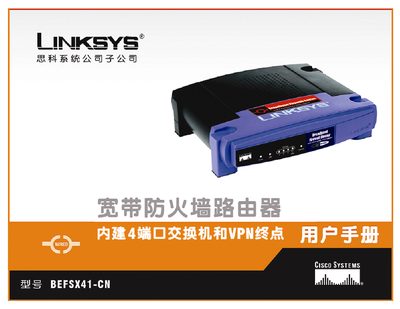
Linksys BEFSX41-CN Router User Manual
This manual explains how to install and configure the Linksys BEFSX41-CN broadband firewall router, covering basic setup, DHCP, static IP, PPPoE, PPTP, L2TP, and advanced routing features. It also describes the router's front and rear panels, port functions, and the built‑in 4‑port Ethernet switch.
Additional sections cover security settings such as VPN tunnels, firewall rules, access restrictions, and application‑specific features like UPnP forwarding, port triggering, and DMZ. The guide includes troubleshooting tips, firmware upgrade procedures, MAC/IP address configuration, and warranty information. This manual is written in Chinese.
Linksys BEFSX41 specifications
| Universal Plug‑and‑Play | Supported |
|---|---|
| IPSec VPN tunnels | Up to two |
| URL and Time Filtering | Supported |
| SNMP version | 2.0 |
| NTP synchronization | Supported |
| PPPoE connection | Supported |
| DMZ port | Dedicated port available |
All Linksys BEFSX41 documents by type
Day-to-day operation, settings and troubleshooting. Start here if the product is already set up.
Questions answered in these manuals
How many IPSec VPN tunnels can the BEFSX41 create?
The router supports up to two IPSec VPN tunnels.
What type of firewall does the BEFSX41 use?
It uses a Stateful Packet Inspection firewall for protecting the network.