
Key facts
Start here
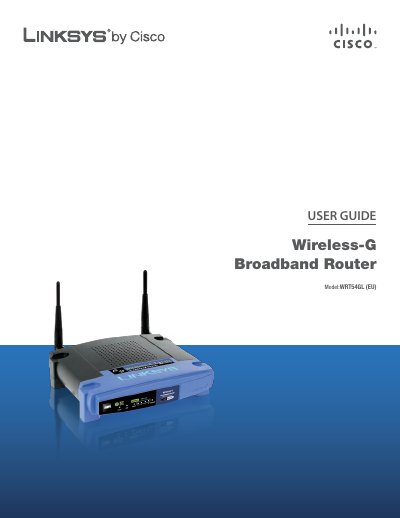
Linksys WRT54GL (EU) User Guide
This guide explains how to install and operate the Linksys WRT54GL (EU) Wireless‑G Broadband Router. It covers basic setup, LED indicators, and how to reset the device to factory defaults.
The manual also details wireless security best practices, advanced configuration options such as DHCP, VPN passthrough, and QoS, as well as troubleshooting, specifications, warranty, and regulatory information.
Linksys WRT54GL specifications
| Model | WRT54GL (EU) |
|---|---|
| Standards | IEEE 802.3, IEEE 802.3u, IEEE 802.11g, IEEE 802.11b |
| Channels | Supported channels (unspecified) |
Source: Linksys WRT54GL (EU) User Guide
All Linksys WRT54GL documents by type
Day-to-day operation, settings and troubleshooting. Start here if the product is already set up.
Questions answered in these manuals
How do I reset the router to factory defaults?
Press and hold the Reset button for about five seconds, or select Factory Defaults in the Administration menu of the web utility.
What does the SecureEasySetup LED color indicate?
When the LED is orange the router is not using SecureEasySetup; when it turns white and flashes, SecureEasySetup is active, and solid white indicates a successful setup.
How do I access the router’s web interface?
Open a web browser and enter http://192.168.1.1/ in the address bar.
What are the default login credentials?
The default username is admin and the default password is admin.
How do I reset the router to factory defaults?
Press and hold the Reset button for about five seconds, or restore defaults from the Administration > Factory Defaults menu in the web utility.
From: Linksys WRT54GL Wireless-G Broadband Router User Guide
What is the default IP address to access the router’s web‑based utility?
Enter 192.168.1.1 in a web browser’s address bar to reach the router’s configuration interface.
From: Linksys WRT54GL Wireless-G Broadband Router User Guide