
Key facts
Start here
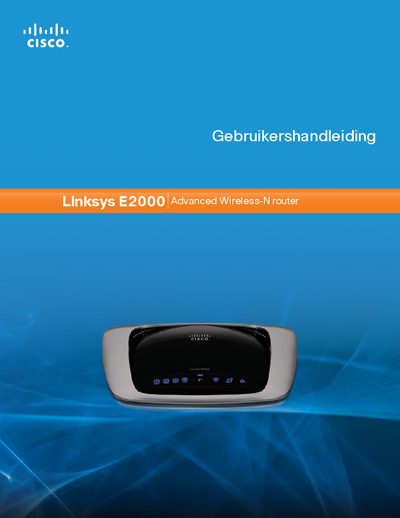
Linksys E2000 User Manual
This manual provides a complete overview of the Linksys E2000 Advanced Wireless‑N router, describing its hardware layout, LED indicators, and mounting options. It guides users through initial installation, basic and advanced configuration, and explains the router’s security features such as WPA2, SPI firewall, and NAT.
The document also covers detailed network settings (DHCP, static IP, PPPoE, PPTP, L2TP, Telstra‑Cable), optional parameters like MTU, and includes troubleshooting tips and a specifications appendix. This manual is written in Dutch.
Linksys E2000 specifications
| Default router IP address | 192.168.1.1 |
|---|---|
| Default password | admin |
| DHCP server presence | Enabled |
All Linksys E2000 documents by type
Day-to-day operation, settings and troubleshooting. Start here if the product is already set up.
Questions answered in these manuals
What is the default IP address to access the router’s web interface?
The default IP address is 192.168.1.1.
How do I access the router configuration page?
Open a web browser and enter the address 192.168.1.1 to reach the router’s setup interface.
What are the default login credentials?
Leave the username blank and use the password "admin" to log in.