
Key facts
Start here
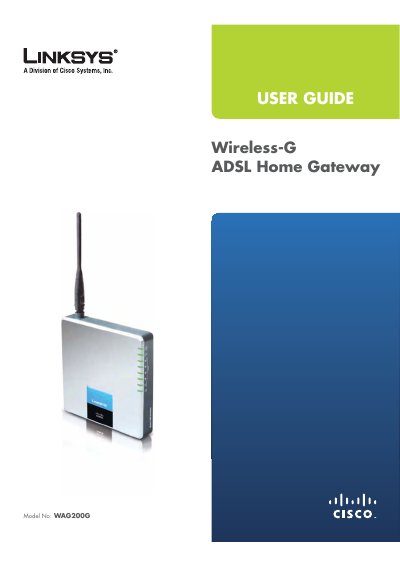
Linksys WAG200G Wireless-G ADSL Home Gateway User Guide
This user guide provides a complete overview of the Linksys WAG200G Wireless‑G ADSL Home Gateway, including hardware description, front and back panel LEDs, and basic operation. It walks you through installation steps, wiring, and initial configuration using the web‑based utility.
Later chapters cover wireless security best practices, advanced settings such as QoS, VPN passthrough, and detailed specifications. Appendices include troubleshooting, warranty, and regulatory compliance information for FCC, Industry Canada and EU directives.
Linksys WAG200G specifications
| Model Number | WAG200G |
|---|---|
| Standards | IEEE 802.11g, IEEE 802.11b |
| Ports | Line (DSL), Ethernet 1‑4, Power |
| Transmit Power | 18 dBm |
| Dimensions | 140 x 140 x 27 mm |
| Weight | 350 g (12.35 oz) |
| Power Supply | 12 V DC, 1 A |
| Operating Temperature | 0 °C to 40 °C (32 °F to 104 °F) |
Source: Linksys WAG200G Wireless-G ADSL Home Gateway User Guide
All Linksys WAG200G documents by type
Day-to-day operation, settings and troubleshooting. Start here if the product is already set up.
Questions answered in these manuals
How do I reset the gateway to factory defaults?
Press and hold the Reset button for about five seconds, or restore defaults via the Administration > Factory Defaults screen in the web utility.
From: Linksys WAG200G Wireless-G ADSL Home Gateway User Guide
What is the default IP address to access the web‑based utility?
Enter 192.168.1.1 in a web browser to reach the gateway’s configuration interface.
From: Linksys WAG200G Wireless-G ADSL Home Gateway User Guide
How do I reset the gateway to factory defaults?
Press and hold the Reset Front Panel button for about five seconds, or use Administration > Factory Defaults in the web utility.
From: Linksys WAG200G Wireless-G ADSL Home Gateway User Manual
What is the default IP address to access the web‑based utility?
Enter the gateway’s default IP address, 192.168.1.1, in a web browser.
From: Linksys WAG200G Wireless-G ADSL Home Gateway User Manual
How do I reset the WAG200G to factory defaults?
Press and hold the Reset button for about five seconds, or use the Administration > Factory Defaults screen in the web‑based utility.
What is the default IP address to access the web‑based utility?
Enter 192.168.1.1 in a web browser to reach the gateway’s configuration page.