
User manual, introducing the use of WRT120N router and precautions
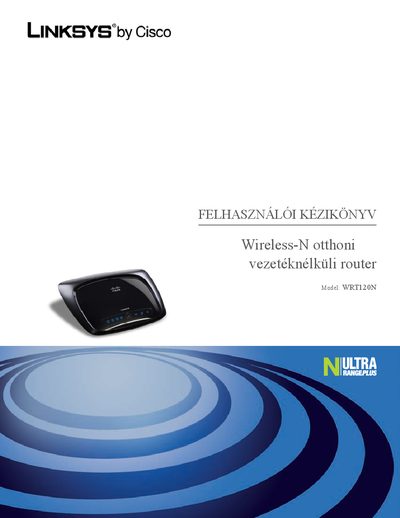
This manual provides an overview of the Linksys WRT120N Wireless‑N router, describing its LED indicators, Ethernet ports, and basic operation. It also includes safety guidelines for installing the device on a wall or desktop.
The guide walks you through initial configuration using the web interface (http://192.168.1.1), changing the default SSID and password, enabling MAC filtering, and configuring wireless security (WPA/WPA2). Appendices cover troubleshooting, regulatory notices, and environmental disposal instructions.
| Default SSID | linksys |
|---|---|
| Default password | admin |
| Ethernet ports | 4 (ports 1‑4) |
| Power LED color | blue |
| Wireless LED color | blue |
The router ships with the default password "admin".
It provides four Ethernet ports labeled 1 through 4.