
Key facts
Start here
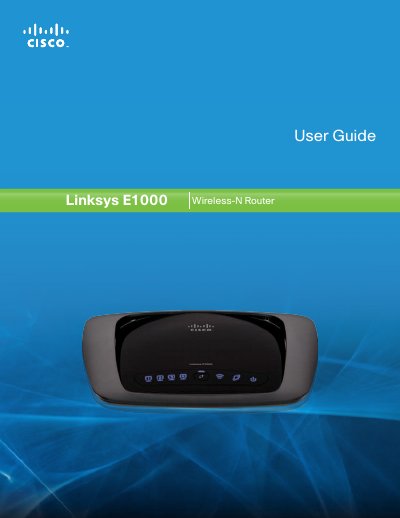
Linksys E1000 Wireless-N Router User Guide
The guide introduces the Linksys E1000 Wireless‑N Router, describing its four Ethernet ports, wireless capabilities, and built‑in security features such as WPA2, SPI firewall and NAT. It explains the LED indicators, placement options, and basic hardware overview.
It then walks the user through installation with the Cisco Connect software, basic and advanced configuration via the browser‑based utility, parental controls, guest access, and detailed troubleshooting steps. Appendices include specifications, warranty, regulatory information, and the software end‑user license agreement.
Linksys E1000 specifications
| Ethernet LAN data transfer rates | 10/100 Mbit/s |
|---|---|
| Wireless LAN data transfer rates | 300 Mbit/s |
| Antenna quantity | 2 |
| Ethernet LAN ports | 4 RJ‑45 |
| Dimensions (W×D×H) | 202 x 160 x 34 mm |
| Weight | 280 g |
Source: Linksys E1000-EW Product Leaflet
All Linksys E1000 documents by type
Day-to-day operation, settings and troubleshooting. Start here if the product is already set up.
Questions answered in these manuals
What is the maximum wireless speed of the Linksys E1000-EW?
The router supports up to 300 Mbit/s wireless data transfer rate.
How many Ethernet ports does the router have?
It provides four RJ‑45 Ethernet LAN ports.
How can I reset the Linksys E1000 router to factory defaults?
Press the Reset button for about five seconds, or restore the defaults via Administration > Factory Defaults in the web interface.
How do I reset the router to factory defaults?
Press and hold the Reset button for approximately five seconds, or use the Administration > Factory Defaults screen in the browser‑based utility.
What is the default IP address of the router?
The default router IP address is 192.168.1.1.
How do I reset the Linksys E1000 router to factory defaults?
Press and hold the Reset button for about five seconds, or select Factory Defaults from the Administration menu in the web utility.