
WRT120N wireless router user manual, introduces the router's functions and usage methods
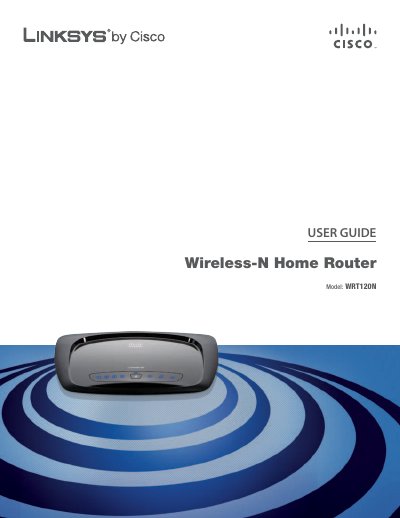
This guide introduces the Linksys WRT120N Wireless‑N Home Router, describing its front and back panels, LED indicators, and basic functions such as internet connectivity, wireless operation, and power management. It also covers physical installation options, including desktop and wall‑mount mounting.
The manual details the browser‑based utility for configuring basic and advanced settings, wireless security, DHCP/PPPoE options, and troubleshooting. Appendices provide a specifications table, regulatory information, warranty details, and the software end‑user license agreement.
| Model | WRT120N |
|---|---|
| Standards | IEEE 802.3u, 802.11g, 802.11b, Draft 802.11n |
| Number of Antennas | 2 (internal) |
| Transmitted Power (802.11b) | 16.5 ± 1.5 dBm (typical) |
| Receive Sensitivity (1 Mbps) | -94 dBm (typical) |
| Antenna Gain | 2.0 dBi (max) |
| Power Supply | 12 V, 1 A |
| Dimensions | 7.99" × 1.38" × 6.30" (203 × 35 × 160 mm) |
| Weight | 8.4 oz (238 g) |
| Certifications | FCC, UL/cUL, ICES‑003, RSS210, CE |
Press and hold the Reset button for approximately five seconds, or use the Administration > Factory Defaults screen in the browser‑based utility.
The default SSID is "linksys".
The default password is "admin".