
Key facts
Start here
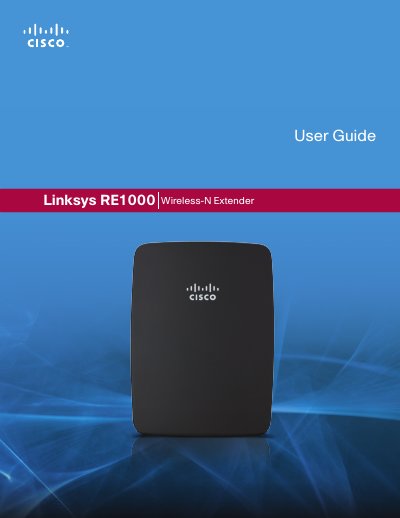
Linksys RE1000 Linksys E3000Wireless-N Extender High Performance Wireless User Guide
The RE1000 Wireless‑N Extender repeats the wireless signal of any access point or router, offering both wireless and Ethernet connectivity. The guide covers product overview, advanced setup, administration, status monitoring and specifications.
Detailed instructions explain how to access the browser‑based utility, configure basic and advanced wireless settings, use Wi‑Fi Protected Setup, manage security options, and interpret status statistics. Appendices list technical specifications and regulatory information.
Linksys RE1000 specifications
| Model Name | Linksys RE1000 |
|---|---|
| Model Number | RE1000 |
| Standards | IEEE 802.11n, 802.11g, 802.11b, 802.3u |
| Ports | Fast Ethernet, C7 connector |
| Antennas | 2 (internal) |
| Antenna Gain | 3.5 dBi |
| Wireless Security | WPA2, WPA Mixed, WPA Personal, WEP |
| Dimensions | 4.92" x 3.62" x 1.29" (125 x 92 x 33 mm) |
| Weight | 9.9 oz (280 g) |
| Power Supply | Internal AC/DC 100‑240 V, 0.5 A |
| Operating Temperature | 32 °F to 104 °F (0 °C to 40 °C) |
Source: Linksys RE1000 Linksys E3000Wireless-N Extender High Performance Wireless User Guide
All Linksys RE1000 documents by type
Day-to-day operation, settings and troubleshooting. Start here if the product is already set up.
Questions answered in these manuals
How do I reset the RE1000 to factory defaults?
Press and hold the Reset button for approximately eight seconds.
From: Linksys RE1000 Linksys E3000Wireless-N Extender High Performance Wireless User Guide
What is the default IP address to access the extender’s web utility?
Enter 192.168.1.1 as the default IP address in a web browser.
From: Linksys RE1000 Linksys E3000Wireless-N Extender High Performance Wireless User Guide
How do I reset the RE1000 to factory defaults?
Press and hold the Reset button for about eight seconds, or use the Administration > Factory Defaults screen in the browser‑based utility.
What is the default password for the extender’s browser‑based utility?
The default password is "admin"; leave the User Name field blank and enter admin as the password.