
Key facts
Start here
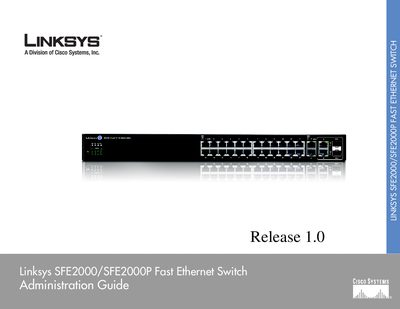
Linksys SFE2000/SFE2000P Fast Ethernet Switch Administration Guide
This guide introduces the Linksys SFE2000/SFE2000P Fast Ethernet Switch, describing its physical features, front and back panel LEDs, ports, and power options. It explains how to install the switch in various placements, connect cables, and configure stacking.
The manual covers console configuration, web‑based utility setup, security features, SNMP management, and troubleshooting, including LED indicators, stack maintenance, and warranty information. Appendices provide contact details, regulatory statements, and specifications.
All Linksys SFE2000 documents by type
Day-to-day operation, settings and troubleshooting. Start here if the product is already set up.
Questions answered in these manuals
How many Ethernet ports does the SFE2000 switch have?
It provides twenty‑four ports for connecting workstations or other devices.
From: Linksys SFE2000/SFE2000P Fast Ethernet Switch Administration Guide
What power option does the SFE2000P model support?
The SFE2000P model supports Power over Ethernet (PoE).
From: Linksys SFE2000/SFE2000P Fast Ethernet Switch Administration Guide
How many Ethernet ports does the SFE2000/SFE2000P switch have?
The switch provides twenty‑four Ethernet ports.
From: Linksys SFE2000/SFE2000P Fast Ethernet Switch User Manual
What management interfaces are available for the switch?
The switch can be managed via a web browser, the console interface, and SNMP.
From: Linksys SFE2000/SFE2000P Fast Ethernet Switch User Manual