
Key facts
Start here
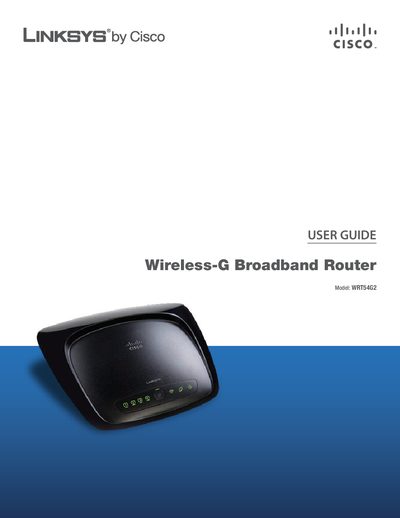
LINKSYS WRT54G2Router user manual
This guide provides an overview of the Linksys WRTS4G2 Wireless‑G Broadband Router, including hardware layout, LED indicators, and mounting options. It describes how to connect the router to the Internet, configure basic settings, and use the Wi‑Fi Protected Setup feature.
The manual also covers wireless security best practices, advanced configuration through the web‑based utility, troubleshooting steps, specifications, warranty information, and software licensing details.
Linksys WRT54G2 specifications
| Default IP address | 192.168.1.1 |
|---|---|
| Default password | admin |
| Maximum wireless speed | 54 Mbps |
| Number of Ethernet ports | 4 |
All Linksys WRT54G2 documents by type
Day-to-day operation, settings and troubleshooting. Start here if the product is already set up.
Questions answered in these manuals
How do I access the router’s web‑based utility?
Open a web browser, enter the default IP address 192.168.1.1, leave the username blank, and use the default password admin.
How can I reset the router to factory defaults?
Press and hold the Reset button for approximately five seconds, or select Factory Defaults in the Administration tab of the web utility.
How can I reset the router to factory defaults?
Press and hold the Reset button for about five seconds, or select Factory Defaults from the Administration > Factory Defaults menu in the web utility.