
Key facts
Start here
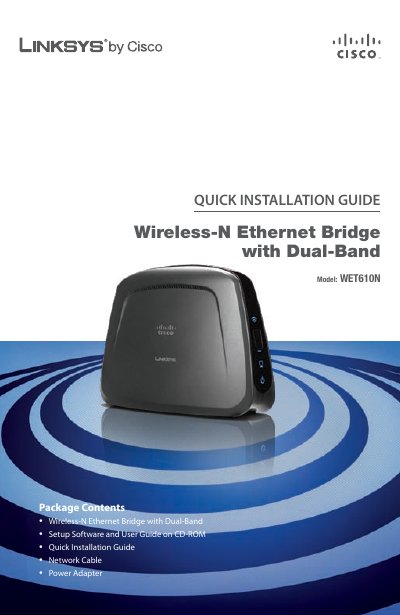
Linksys WET610N Wireless‑N Ethernet Bridge Quick Installation Guide
This Quick Installation Guide walks you through connecting the Linksys WET610N Wireless‑N Ethernet Bridge to your router, configuring wireless settings, and moving the device to its final location. It includes step‑by‑step instructions for cable connections, power setup, and security configuration.
The guide also explains how to use Wi‑Fi Protected Setup (WPS) for a fast, button‑press connection and provides troubleshooting tips and support contact information.
All Linksys WET610N documents by type
Day-to-day operation, settings and troubleshooting. Start here if the product is already set up.
The shortest path to a working setup, usually only a few pages.
Questions answered in these manuals
How do I connect the Bridge to my router?
Connect one end of the included network cable to the Ethernet port of the Bridge and the other end to a local network port on your router.
From: Linksys WET610N Wireless‑N Ethernet Bridge Quick Installation Guide
How can I use Wi‑Fi Protected Setup to connect the Bridge?
Press the WPS button on your router, then within two minutes click Connect on the Setup Wizard screen to establish the wireless link.
From: Linksys WET610N Wireless‑N Ethernet Bridge Quick Installation Guide