
This is the user manual for Linksys WRT120N wireless router
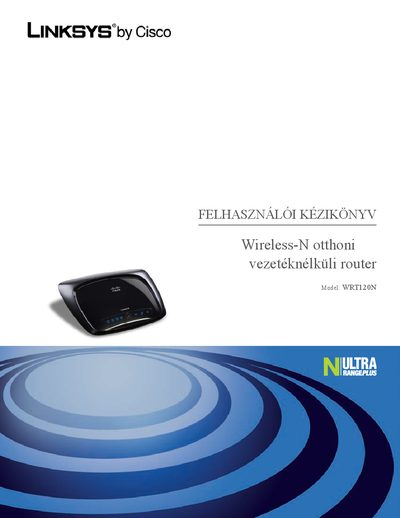
This manual introduces the Linksys WRT120N Wireless‑N wired router, describing its basic functions, LED indicators, and the four Ethernet ports used for wired networking. It also explains how to mount the router on a wall and the recommended safety precautions.
The guide covers installation steps, web‑based configuration, wireless settings, security features such as WPA/WPA2, MAC address filtering, and advanced options like DDNS and port forwarding. It includes troubleshooting tips, factory reset procedures, and links to online support resources.
| Ethernet ports | 4 |
|---|---|
| Power LED behavior | Solid when powered, blinks during start‑up |
| Wall‑mount screw spacing | 152 mm (6 inches) |
The default password is "admin".
Open the web interface, go to Wireless > Basic Wireless Settings, and edit the SSID field.