
This is a user manual for a Linksys E1000 Wireless-N router. It contains information on the router's basic settings, advanced settings, security settings, and applications and gaming settings.
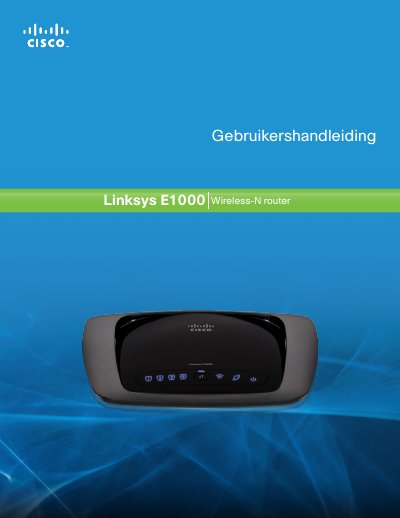
The manual begins with a product overview, describing the wireless‑N router’s hardware layout, LED indicators, mounting options, and basic functions such as internet and LAN ports. It explains how to power the device, connect Ethernet cables, and perform a factory reset.
Later chapters cover advanced configuration through the browser‑based utility, including basic setup, wireless settings, security options, access restrictions, applications & gaming, DHCP server configuration, and status monitoring. Appendices contain troubleshooting tips and technical specifications. This manual is written in Dutch.
Press the Reset button for about five seconds, or restore the defaults via Administration > Factory Defaults in the web interface.