
This manual introduces the basic setup and advanced configuration of the Linksys E1000 Wireless-N Router.
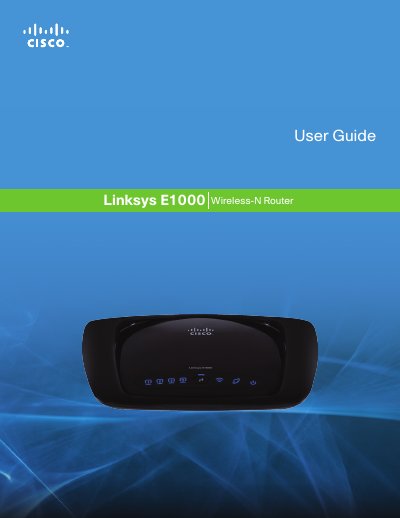
The guide begins with a product overview, describing the router’s hardware layout, four switched Ethernet ports, LED indicators, and mounting options for both horizontal and wall‑mount installations. It also explains the built‑in security features such as WPA2 encryption, a Stateful Packet Inspection firewall, and NAT.
The remainder of the manual covers the browser‑based utility for basic and advanced configuration, including Internet connection types, DHCP server settings, wireless security, MAC address cloning, DDNS, and detailed troubleshooting steps. Appendices list specifications and additional reference information.
| Ethernet ports | four switched ports |
|---|---|
| Wireless standard | Wireless‑N |
| Security features | WPA2, SPI firewall, NAT |
Press and hold the Reset button for approximately five seconds, or use the Administration > Factory Defaults screen in the browser‑based utility.
The default router IP address is 192.168.1.1.
Press the Wi‑Fi Protected Setup button to automatically configure wireless security for your network.