
This document is the user guide for the Linksys E1000 Wireless-N Router. It introduces the router's appearance, installation, and setup.
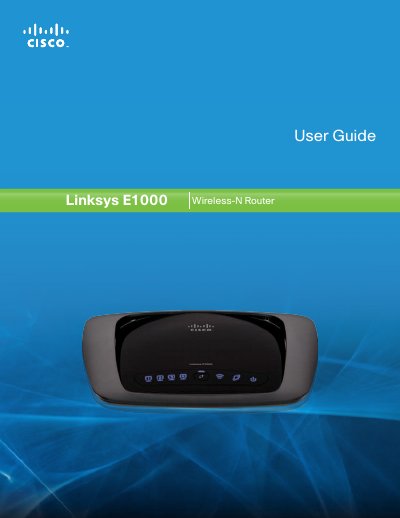
The guide introduces the Linksys E1000 Wireless‑N Router, describing its four Ethernet ports, wireless capabilities, and built‑in security features such as WPA2, SPI firewall and NAT. It explains the LED indicators, placement options, and basic hardware overview.
It then walks the user through installation with the Cisco Connect software, basic and advanced configuration via the browser‑based utility, parental controls, guest access, and detailed troubleshooting steps. Appendices include specifications, warranty, regulatory information, and the software end‑user license agreement.
| Model Name | Linksys E1000 |
|---|---|
| Standards | 802.11n, 802.11g, 802.11b, 802.3, 802.3u |
| Ports | Power, Internet, and Ethernet (1‑4) |
| Buttons | Reset, Wi‑Fi Protected Setup |
| RF Power (EIRP) | 17.5 dBm |
| Antenna Gain | 1.5 dBi |
| Security Features | WEP, WPA, WPA2 (up to 128‑bit) |
| Dimensions | 7.95" x 1.34" x 6.3" (202 x 34 x 160 mm) |
| Weight | 9.81 oz (280 g) |
| Power | 12 V, 0.5 A |
Press and hold the Reset button for approximately five seconds, or use the Administration > Factory Defaults option in the browser‑based utility.
The router supports WEP, WPA, and WPA2 security with up to 128‑bit encryption.
It provides four switched Ethernet ports for wired connections.