
This manual describes basic setup and advanced configuration of the Linksys E1000 Wireless-N Router.
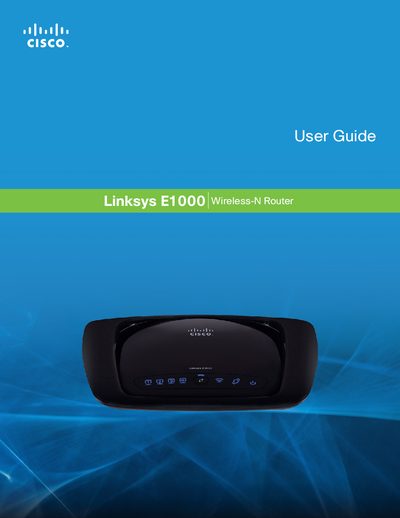
The Linksys E1000 is a Wireless‑N router that lets you share an Internet connection via Wi‑Fi or its four Ethernet ports. It includes security features such as WPA2, a SPI firewall, and NAT to protect your network.
This manual covers product overview, advanced configuration (including DHCP, PPPoE, PPTP, L2TP, and Telstra Cable settings), troubleshooting, and full specifications. It also explains how to reset the device, mount it, and use the browser‑based utility for management.
| Standards | 802.11n, 802.11g, 802.11b, 802.3, 802.3u |
|---|---|
| Ports | Power, Internet, and Ethernet (1‑4) |
| Buttons | Reset, Wi‑Fi Protected Setup |
| LEDs | Ethernet (1‑4), Wi‑Fi Protected Setup |
| UPnP | Able |
| Security Features | WEP, WPA, WPA2 |
| Security Key Bits | Up to 128‑Bit Encryption |
| Dimensions | 202 x 34 x 160 mm |
| Certifications | FCC, CE, IC‑03, Wi‑Fi, Windows 7 |
| Operating Temperature | 0 to 40 °C |
| Storage Temperature | -20 to 60 °C |
| Operating Humidity | 10 to 85 % Noncondensing |
| Storage Humidity | 5 to 90 % Noncondensing |
Press and hold the Reset button for about five seconds, or select Factory Defaults from the Administration menu in the web utility.
Enter 192.168.1.1 in a web browser’s address bar to reach the router’s configuration utility.
The router supports WEP, WPA, and WPA2 security protocols.