
Key facts
- Brand
- Kodak
- Model
- X42
- Category
- Digital cameras
- Documents
- 3
- Languages
- FR · EN
- Last added
- 2023-10-17
Start here
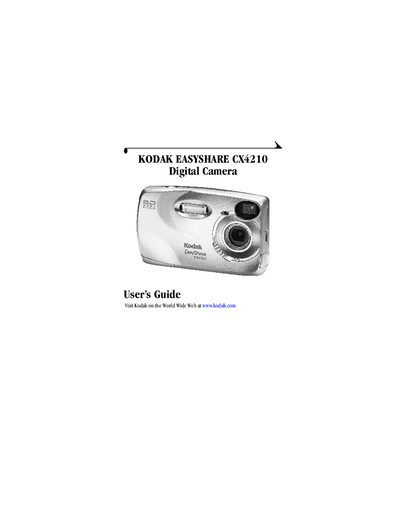
Kodak CX4210 Digital Camera User Guide
This guide introduces the Kodak CX4210 digital camera, describing its physical layout, button functions, and accessories such as the wrist strap, battery door, and camera dock. It walks users through initial steps like installing software, loading batteries, and inserting an MMC/SD card.
The manual then covers core camera operations—capturing photos, using zoom and flash, reviewing and deleting images, and tagging pictures for sharing. Additional sections detail customizing settings, connecting the camera to a computer, and troubleshooting common issues.
All Kodak X42 documents by type
Day-to-day operation, settings and troubleshooting. Start here if the product is already set up.
Questions answered in these manuals
What is the brand and model of this camera?
The brand is Kodak and the model is FZ41/X42/CZ42.
What is the manufacturer's address in the USA?
The address is 17239 South Main Street, Gardena, CA 90248, USA.
How do I turn the camera on and off?
Use the On/Off switch located on the camera front.
How can I connect the camera to a computer?
Use the USB connector on the camera and follow the steps in the "Connecting to the Computer" section.
What type of memory card does the CX4200 use?
The CX4200 uses MMC/SD memory cards.