
This document is a user guide for the KODAK EASYSHARE CX4200 digital camera. The camera features a shutter button, flash device, macro switch, and other characteristics. Users can use the camera to take photos, view photos, and tag photos. Users can also connect the camera to a computer to transfer photos or print photos from the computer.
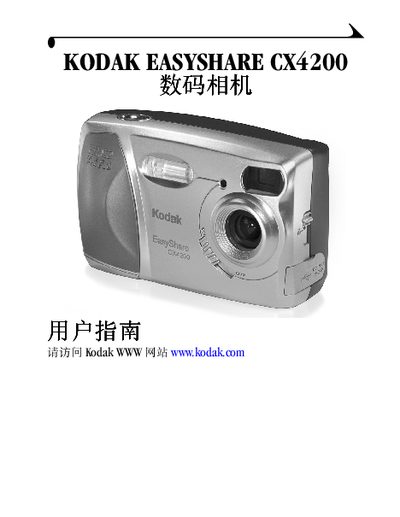
This manual explains how to set up the Kodak EasyShare CX4200, insert an MMC/SD memory card, and power the camera. It covers the LCD display functions, menu navigation, and basic shooting modes.
It also describes how to connect the camera to a computer via USB, review images on the built‑in playback screen, and perform routine maintenance such as battery replacement and cleaning.
| Memory Card Type | MMC/SD |
|---|
The CX4200 uses MMC/SD memory cards.