
Key facts
- Brand
- Kodak
- Model
- CX7300
- Category
- Digital cameras
- Documents
- 3
- Languages
- ES · EN · ZH
- Last added
- 2023-10-17
Start here
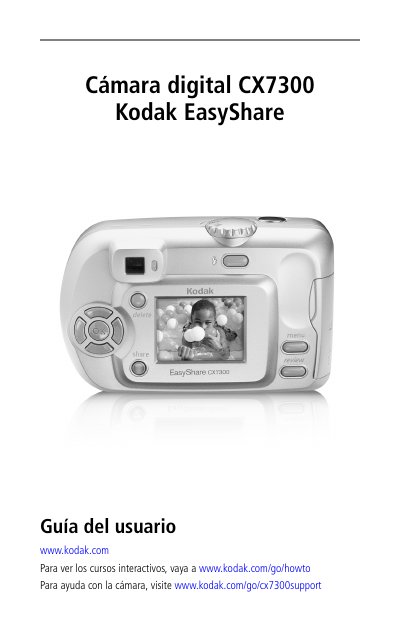
Kodak CX7300 Digital Camera User Manual
This manual provides step-by-step instructions for using the Kodak CX7300 digital camera. It covers initial setup, including battery installation and software installation. It also explains how to take photos and videos, review media, and share content via USB or email. Additional sections cover troubleshooting, maintenance, and technical specifications. This manual is written in Spanish.
Read onlineKodak CX7300 specifications
| Battery Type | 2 AA non-rechargeable batteries |
|---|---|
| Storage Media | SD/MMC card slot |
| Connectivity | USB cable |
| Language Support | Multiple languages |
All Kodak CX7300 documents by type
Day-to-day operation, settings and troubleshooting. Start here if the product is already set up.
Questions answered in these manuals
How do I install the batteries?
Slide the battery cover open, insert the batteries according to the diagram, then close the cover.
What software is included?
The software Kodak EasyShare is included on a CD, which must be installed before connecting the camera to a computer.
What is included in the package contents?
The package includes the camera, wrist strap, USB cable, and custom dock insert.
What is required before connecting the camera to the computer?
Install the software from the Kodak EasyShare software CD first.
How many AA batteries does the CX7300 use?
The camera uses two AA non‑rechargeable “starter” batteries.
Do I need to install software before connecting the camera to a computer?
Yes, install the EasyShare software from the supplied CD before connecting the camera.