
Key facts
- Brand
- Kodak
- Model
- DX7590
- Category
- Digital cameras
- Industry
- Electronics
- Documents
- 2
- Languages
- EN · ZH
- Last added
- 2012-05-04
Start here
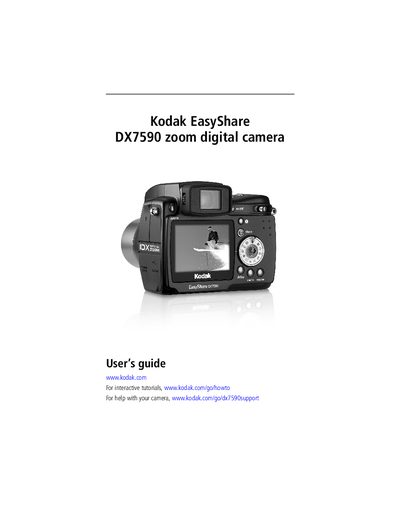
Kodak DX7590 Digital Camera User Manual
This guide walks you through getting started with the Kodak DX7590, covering the camera’s hardware layout, battery installation, SD/MMC card insertion, and basic menu navigation. It also explains how to install the accompanying software and connect the camera to a computer via USB.
The manual details how to take photos and videos, use optical and digital zoom, adjust exposure settings, and share or print images using EasyShare docks or PictBridge‑enabled printers. A troubleshooting section helps resolve common camera and connectivity issues, and an appendix lists the camera specifications and safety information.
Kodak DX7590 specifications
| CCD Sensor | 1/2.5 inch CCD |
|---|---|
| Max Resolution | 2576 x 1932 pixels |
| LCD Screen | 2.2 inch (55.9 mm) |
| Optical Zoom | 10x |
| Focal Length | 38-380 mm |
All Kodak DX7590 documents by type
Day-to-day operation, settings and troubleshooting. Start here if the product is already set up.
Questions answered in these manuals
How long does it take to charge the battery?
Charging takes approximately 3 hours.
What is the maximum photo resolution?
The maximum resolution is 2576 x 1932 pixels.