
Key facts
- Brand
- Kodak
- Model
- M580
- Category
- Digital cameras
- Documents
- 2
- Languages
- EN
- Last added
- 2023-10-17
Start here
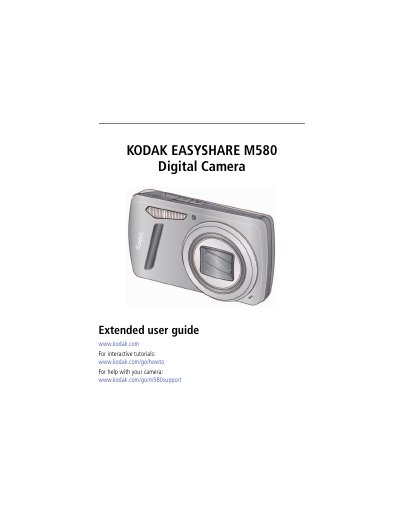
Kodak EasyShare M580 Digital Camera User Manual
User Manual 68 pages · 2.3 MB · EN
This document is the extended user guide for the Kodak EasyShare M580 digital camera. It provides detailed instructions on setting up the camera, including attaching the strap, loading the KLIC-7006 battery, and charging it. The guide also explains how to turn on the camera, set the language and date/time, and store pictures on an optional SD or SDHC card.
Read onlineKodak M580 specifications
| Effective pixels | 14.1 MP |
|---|---|
| LCD screen | 3.0 in. (7.6 cm) |
| Optical zoom | 8X |
| Internal storage | 64 MB |
| ISO speed (Auto) | 80–400 |
| Shutter speed | 1/4–1/1400 seconds |
All Kodak M580 documents by type
User Manual 2
Day-to-day operation, settings and troubleshooting. Start here if the product is already set up.
Questions answered in these manuals
What is the maximum supported SD card size?
The maximum supported card size is 32 GB.
Does the camera have a built-in Help system?
Yes, the camera offers a built-in Help system.
What type of USB connector does the Kodak M580 use?
The camera uses a Micro USB B connector for data transfer.
Is the Kodak M580 FCC compliant?
Yes, it complies with the limits for a Class B digital device under FCC Part 15.