
This manual introduces the basic operations of KODAK EASYSHARE CX4210 digital camera, including installing batteries, inserting storage cards, setting language, setting time, taking pictures, etc.
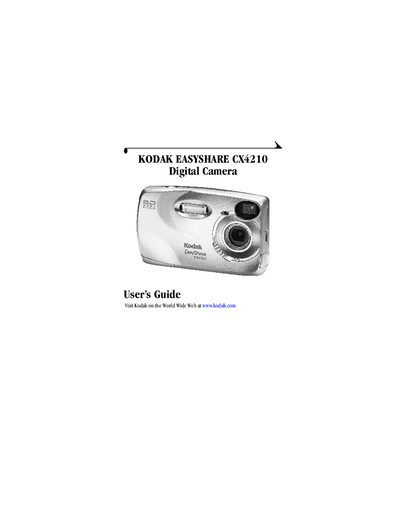
This guide introduces the Kodak CX4210 digital camera, describing its physical layout, button functions, and accessories such as the wrist strap, battery door, and camera dock. It walks users through initial steps like installing software, loading batteries, and inserting an MMC/SD card.
The manual then covers core camera operations—capturing photos, using zoom and flash, reviewing and deleting images, and tagging pictures for sharing. Additional sections detail customizing settings, connecting the camera to a computer, and troubleshooting common issues.
Use the On/Off switch located on the camera front.
Use the USB connector on the camera and follow the steps in the "Connecting to the Computer" section.
See the "Troubleshooting" section for camera and camera dock issues.