
Key facts
Start here
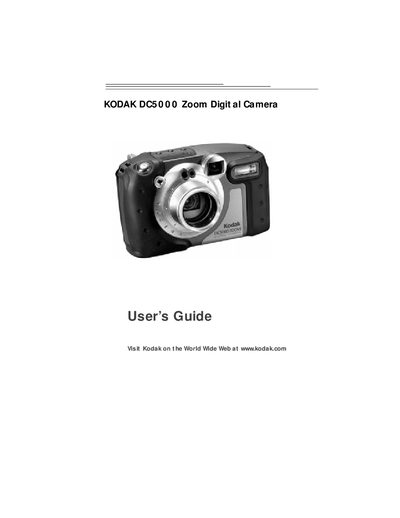
Kodak DC5000 Zoom Digital Camera User Guide
The guide explains the camera’s weather‑proof and rugged design, safety precautions, battery and memory‑card handling, and how to keep the rubber seals clean and dry. It also covers proper use in rain, at the beach, or on dusty construction sites while warning that the camera is not waterproof.
Additional sections describe how to customize picture settings, review and delete images, install Kodak software on Windows or Macintosh computers, connect via USB or serial cable, troubleshoot common issues, and obtain warranty and support information.
All Kodak DC50 documents by type
Day-to-day operation, settings and troubleshooting. Start here if the product is already set up.
Questions answered in these manuals
How many pictures can the DC50 store in its internal memory?
The DC50 can store between 7 and 22 pictures in its internal memory, depending on the selected features.
How do I install the batteries in the DC50?
Push firmly on the external battery compartment cover and slide the cover down in the direction of the arrow.
Can the camera be used underwater?
No, the camera is weatherproof but not waterproof and should not be submerged in water.
How should the rubber seals be cleaned?
Use a clean lint‑free cloth to wipe off any dust, sand, or hair that may accumulate on the rubber seals.