
Key facts
- Brand
- Kodak
- Model
- CX7310
- Category
- Digital cameras
- Documents
- 2
- Languages
- EN · ZH
- Last added
- 2023-10-17
Start here
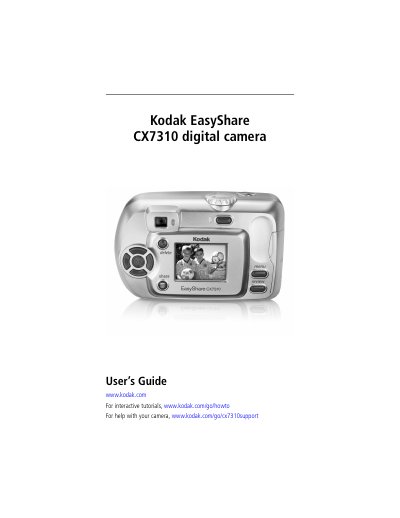
Kodak EasyShare CX7310 Digital Camera User's Guide
This guide provides step-by-step instructions for using the Kodak EasyShare CX7310 digital camera, including installing software, loading batteries, taking and reviewing photos and videos, transferring files, and troubleshooting. It also details camera specifications, battery types, and optional accessories like SD/MMC cards and docks. The manual is designed for end users and includes safety and maintenance tips.
Read onlineKodak CX7310 specifications
| Image Sensor | 1/2.7 in. interline transfer CCD, 4:3 aspect ratio, 2.6 µm square pixel, RGB Bayer CFA, 3.3 MP including optical black pixels |
|---|---|
| Flash Modes | Auto, Fill, Red-eye, Off |
| Dimensions | Width 4.1 in. (103.5 mm), Depth 1.6 in. (40.2 mm), Height 2.6 in. (65 mm) |
| Weight | 5.2 oz (147 g) excluding batteries or card |
| File Format | Still JPEG/EXIF v2.2, Video QuickTime (CODEC: motion JPEG) |
| ISO Speed | Automatic: 100 - 200 (Still modes; 140 with flash); 100 - 800 (Video mode) |
| Lens Type | Combination glass/plastic with cover glass lens protection |
| Focal Length | 37 mm (35 mm equivalent) |
| LCD Display | 1.5 in. (37 mm), color, 280 x 220 pixels |
| Operating Temperature | 32 to 104 °F (0 to 40 °C) |
All Kodak CX7310 documents by type
Day-to-day operation, settings and troubleshooting. Start here if the product is already set up.
Questions answered in these manuals
How do I install the software for the camera?
Install the software from the Kodak EasyShare software CD before connecting the camera to the computer. Failure to do so may cause the software to load incorrectly.
What is the LCD screen size and resolution?
The camera has a 1.5-inch (37 mm) color LCD screen with a resolution of 280 x 220 pixels.
How do I transfer photos and videos to a computer?
Connect the camera to the computer with the supplied USB cable and use the transfer function.
Does the camera automatically turn off?
The camera includes an auto‑power‑off feature that shuts it down after inactivity.