
Key facts
- Brand
- Kodak
- Model
- C183
- Category
- Digital cameras
- Industry
- Electronics
- Documents
- 2
- Languages
- EN
- Last added
- 2012-06-04
Start here
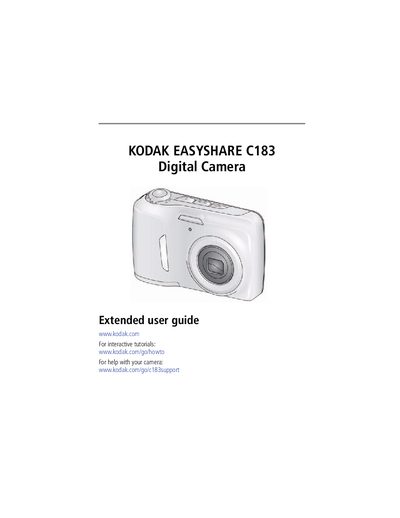
Kodak EasyShare C183 Digital Camera User Guide
This guide walks you through setting up the Kodak EasyShare C183, including attaching the strap, loading AA batteries, and configuring basic settings such as language, date, and picture size. It also explains how to use the camera’s shooting modes, zoom, flash, and video functions.
Later sections cover sharing and tagging photos, editing pictures, creating slide shows, transferring images to a computer, printing, and accessing help resources. An appendix provides specifications, safety information, and warranty details.
Kodak C183 specifications
| Battery type | AA (4) |
|---|---|
| Memory card | SD or SDHC |
| Display | LCD screen |
All Kodak C183 documents by type
Day-to-day operation, settings and troubleshooting. Start here if the product is already set up.
Questions answered in these manuals
How do I attach the strap to the Kodak EasyShare C183?
Follow the instructions in the "Attaching the strap" section (see page 7).
How do I load the AA batteries?
Open the battery compartment and insert AA batteries as described in the "Loading the AA batteries" section (see page 8).
How do I transfer pictures to a computer?
Install the Kodak software, connect the camera to a computer with Internet, and follow the prompts to transfer pictures and videos.
How can I tag my photos?
Use keywords, favorites, or people (face recognition) to tag pictures for easy searching later.