
Key facts
- Brand
- Kodak
- Model
- DX7630
- Category
- Digital cameras
- Industry
- Electronics
- Documents
- 3
- Languages
- EN · ZH
- Last added
- 2012-05-04
Start here
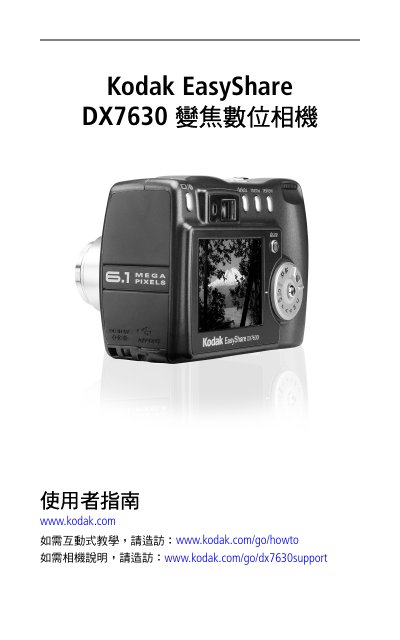
Kodak EasyShare DX7630 Digital Camera User Guide
This manual serves as the complete operating guide for the Kodak EasyShare DX7630 digital camera. It details the initial setup process, including installing software, charging the battery, and inserting the memory card. The guide explains how to use the camera's various modes, optical and digital zoom, and flash settings to capture photos and videos. This manual is written in Chinese.
Read onlineKodak DX7630 specifications
| Zoom type | Wide angle/Telephoto |
|---|---|
| Flash units | 8 |
| AV Out | Yes, for TV viewing |
| USB Port | Present |
| DC‑In voltage | 5 V |
All Kodak DX7630 documents by type
Day-to-day operation, settings and troubleshooting. Start here if the product is already set up.
Questions answered in these manuals
How long does it take to charge the battery?
Charging the Li‑ion battery takes approximately three hours.
How do I insert the battery?
Turn the mode dial to Off, slide the battery door open, tilt the battery so the lock moves aside, and push the battery into the compartment.
How long does it take to charge the battery?
It takes approximately 3 hours to fully charge the battery.
What type of battery is required?
Only the Kodak EasyShare rechargeable lithium battery is compatible with this camera.
What is the maximum resolution of this camera?
The maximum output image size is 2856 x 2142 pixels, which corresponds to approximately 6.1 megapixels.
Does this camera support video recording?
No, the specifications for this model state that it does not support video shooting.