
Key facts
- Brand
- Kodak
- Model
- AZ361
- Category
- Digital cameras
- Documents
- 2
- Languages
- EN
- Last added
- 2023-10-17
Start here
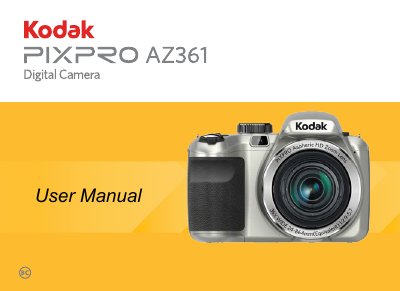
Kodak PIXPRO AZ361 Digital Camera User Manual
This manual covers the Kodak PIXPRO AZ361 digital camera, including safety precautions, battery installation, and basic operation. It details how to turn the camera on and off, set the date and time, and configure language settings. The guide explains the various shooting modes available, such as Auto, Program AE, Shutter Priority, Aperture Priority, and Manual Mode, along with specific features like Face Beautifier and Panorama Mode.
Read onlineAll Kodak AZ361 documents by type
Day-to-day operation, settings and troubleshooting. Start here if the product is already set up.
Questions answered in these manuals
What should you do if water accidentally comes in contact with the camera?
Turn the camera off, remove the battery and the memory card, and dry it within 24 hours.
How long should you wait if liquid crystal from a damaged LCD screen comes into contact with your eyes?
You should wash your eyes with clean water for at least 15 minutes and seek immediate medical attention.
How do I adjust the aperture on the Kodak az361?
Select a large aperture opening to emphasize the focus point and create a blurry background, or a small opening to keep the background clear.
What settings are covered in the Kodak az361 manual?
The manual covers adjusting the aperture size, EV value, and ISO value.