
Key facts
- Brand
- Kodak
- Model
- CX6200
- Category
- Digital cameras
- Documents
- 2
- Languages
- EN · ZH
- Last added
- 2023-10-17
Start here
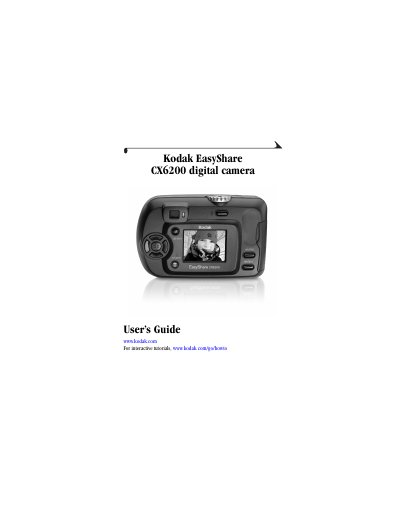
Kodak EasyShare CX6200 digital camera User's Guide
User Manual 120 pages · 5.8 MB · EN
This guide helps you use the Kodak EasyShare CX6200 digital camera. It covers installing software, loading batteries, attaching accessories, and operating the camera’s controls. You’ll learn how to take and review photos and videos, adjust settings, share media, and troubleshoot common issues. The manual also includes specifications and information on using the optional Camera Dock 6000.
Read onlineKodak CX6200 specifications
| Color | 24-bit, millions of colors |
|---|---|
| Color modes | Color, black & white, sepia |
| Communication with computer | USB, via: USB cable; EasyShare camera dock 6000; or printer dock 6000 |
| Dimensions | Width 4.1 in. (104 mm), Depth 1.6 in. (41 mm), Height 2.6 in. (65 mm) |
| Weight | 6.5 oz (185 g) with battery and card |
| File format | Still JPEG/EXIF v2.2 |
| Flash Modes | Auto, Fill, Red-eye, Off |
| Range | 1.6-7.9 ft (0.5-2.4 m) |
| Charging Time | Less than 7 seconds with charged battery |
| ISO speed | Automatic (100 - 200, 140 in Flash Mode) |
| Image Sensor | 1/3.2 in. CCD, 4:3 aspect ratio, RGB Bayer CFA, 2.1 MP |
All Kodak CX6200 documents by type
User Manual 2
Day-to-day operation, settings and troubleshooting. Start here if the product is already set up.
Questions answered in these manuals
How do I turn the camera on and off?
Turn the camera on and off using the shutter button or the power switch.
What file formats does the camera use?
Still images are saved in JPEG/EXIF v2.2 format.
How do I insert the SD/MMC storage card?
Open the SD/MMC card slot on the side of the camera and gently push the card in until it clicks into place.