
Key facts
Start here
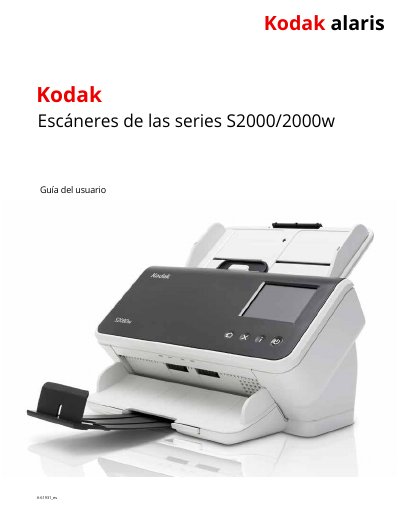
Kodak S2000/2000w Scanner User Manual
This user manual covers the operation and maintenance of Kodak S2000/2000w series scanners, including safety precautions, installation, scanning procedures, and troubleshooting. It also details maintenance tasks such as cleaning rollers and replacing parts. The guide supports scanning with Kodak’s free software applications and explains compatibility with TWAIN/ISIS interfaces. It includes safety warnings, acoustic emission information, and technical specifications for the scanner models. This manual is written in Spanish.
Read onlineKodak S2000 specifications
| Scanning Speed | 40 to 80 pages per minute (200/300 dpi) |
|---|---|
| Input Tray Capacity | 80 pages |
| Scanner Models Covered | S2040, S2050, S2060w, S2070, S2080w |
All Kodak S2000 documents by type
Day-to-day operation, settings and troubleshooting. Start here if the product is already set up.
Questions answered in these manuals
What are the scanning speeds for the Kodak S2000/2000w scanners?
The scanning speed is 40 to 80 pages per minute at 200/300 dpi.
What software applications are supported by the Kodak S2000/2000w scanners?
The scanners support Kodak’s free scanning applications, TWAIN/ISIS interfaces, and can be used with other scanning software.
How much weight can the scanner support on its surface?
The scanner can support a stable, level surface with a weight of up to 20.4 kg.
What is the maximum recommended distance for the power outlet?
The power outlet must be within 1.52 meters (5 feet) of the scanner.
What is the maximum weight the scanner work surface must support?
The work surface must be capable of supporting 20.4 kg (45 lbs).
How far must the electrical power outlet be from the scanner?
The power outlet must be located within 1.52 meters (5 feet) of the scanner.