
Key facts
- Brand
- Kodak
- Model
- W1020
- Documents
- 2
- Languages
- EN
- Last added
- 2023-10-17
Start here
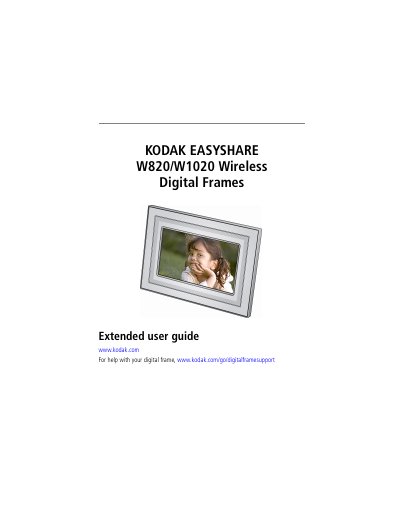
Kodak W820/W1020 Wireless Digital Frames Extended User Guide
This guide helps you set up and use your Kodak W820/W1020 Wireless Digital Frame. It covers connecting to a wireless network, viewing photos and videos, playing music, and troubleshooting common issues. You can also customize settings like language, clock, and slide show duration. The guide includes detailed steps for connecting to Gallery, Flickr, and FrameChannel accounts, as well as instructions for printing and copying media.
Read onlineKodak W1020 specifications
| Power Input | DC-In (12V) |
|---|---|
| Screen Type | LCD screen |
| Storage Capacity | Internal memory |
| Wireless Features | Connects to wireless network, Gallery, Flickr, FrameChannel |
Source: Kodak W820/W1020 Wireless Digital Frames Extended User Guide
All Kodak W1020 documents by type
Day-to-day operation, settings and troubleshooting. Start here if the product is already set up.
Questions answered in these manuals
How do I connect my frame to a wireless network?
Connect to your wireless network by following the setup steps in Section 2.
From: Kodak W820/W1020 Wireless Digital Frames Extended User Guide
Can I view pictures wirelessly?
Yes, you can view pictures wirelessly by connecting to your wireless network and accessing your Gallery or Web media.
From: Kodak W820/W1020 Wireless Digital Frames Extended User Guide
How do I turn on the frame?
Press and hold the Power button for 2 seconds, then release.
Can I change the display orientation?
Yes, you can turn the stand to change it to portrait, but you must also change the setting in the menu.