
Key facts
Start here
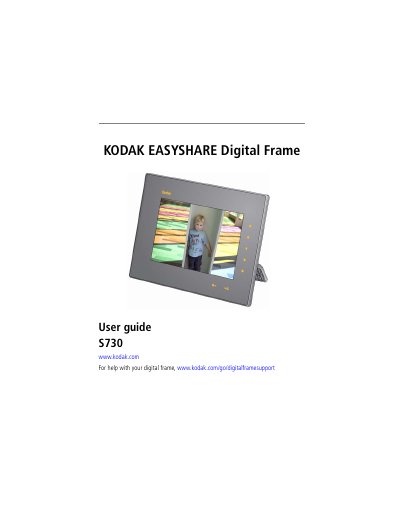
Kodak EasyShare Digital Frame S730 User Guide
This manual covers the setup and initial configuration of the Kodak EasyShare Digital Frame S730. It details how to attach the power cable, charge the factory-installed battery for at least 3 hours, and adjust the rotating stand for optimal viewing angles in landscape or portrait orientation. The guide also explains how to set the clock, date, and language preferences through the on-screen menus.
The document provides comprehensive instructions for using the device's unique Quick Touch Borders. It describes how to activate the side and bottom touch lights by hovering a hand within 1-3 inches of the frame edges. Users are instructed on how to tap the right border to select icons and navigate menus, and how to slide or tap the bottom border lights to scroll through pictures and adjust settings. Safety cautions regarding the use of fingers only on the borders are also included.
Kodak S730 specifications
| Power input | DC-In 12V 1.5A |
|---|---|
| Touch border activation distance | 1 - 3 in. (2.5 - 7.6 cm) |
| Product weight | 816 g |
All Kodak S730 documents by type
Day-to-day operation, settings and troubleshooting. Start here if the product is already set up.
Questions answered in these manuals
How long should I charge the battery before using the frame?
You should leave the power connected for at least 3 hours to charge the battery installed at the factory.
How do I turn on the touch lights on the borders?
Hover your hand within 1 to 3 inches of any border to turn on the lights.
How do I turn the frame on or off?
Press and hold the power button for about 2 seconds.
How do I set the clock and date?
From the Settings menu choose Clock or Date and use the arrow keys to adjust the values.