
Key facts
- Brand
- Kodak
- Model
- M341
- Category
- Digital cameras
- Documents
- 2
- Languages
- EN
- Last added
- 2023-10-17
Start here
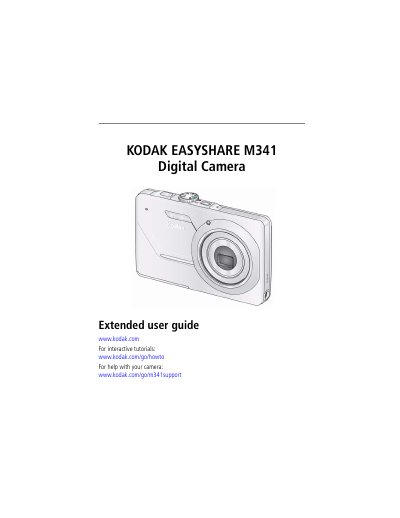
Kodak EasyShare M341 Digital Camera User Manual
User Manual 67 pages · 1008 KB · EN
This document is the extended user guide for the Kodak EasyShare M341 digital camera. It provides comprehensive instructions on setting up the device, including attaching the strap, loading the KLIC-7001 battery, and configuring language and date/time settings. The guide also details how to store pictures on optional SD or SDHC cards.
Read onlineKodak M341 specifications
| Effective pixels | 12.2 MP (4024 x 3022) |
|---|---|
| LCD screen | 2.7 in. (6.9 cm); 230K pixels |
| Internal storage | 32 MB (26 MB available) |
| Optical zoom | 3X |
| Shutter speed | 1/1400–8 seconds |
| ISO speed | 80–1600 (Manual: 80, 100, 200, 400, 800, 1600) |
| Face detection | Up to 5 faces |
All Kodak M341 documents by type
User Manual 2
Day-to-day operation, settings and troubleshooting. Start here if the product is already set up.
Questions answered in these manuals
How long does it take to fully charge the Li-Ion batteries?
It takes approximately 3 hours to finish charging the battery.
What is the maximum supported size for an SD or SDHC card?
The camera supports a maximum card size of 32 GB.
How long does it take to charge the battery?
It takes approximately 3 hours to finish charging the battery.
What is the maximum supported SD card size?
The camera supports SD cards up to a maximum size of 32 GB.