
Key facts
- Brand
- Kodak
- Model
- DC3800
- Category
- Digital cameras
- Industry
- Electronics
- Documents
- 2
- Languages
- ZH
- Last added
- 2012-03-15
Start here
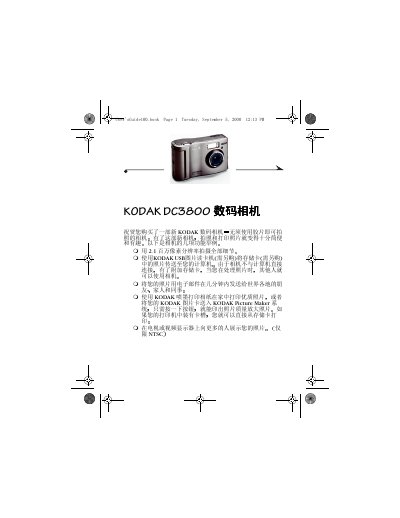
Kodak DC3800 Digital Camera User Manual
The guide starts with basic setup steps such as installing the AA batteries, inserting a CompactFlash memory card, and turning the camera on and off. It then walks through everyday shooting functions, including autofocus, flash, digital zoom, and how to preview and delete photos.
Later sections cover advanced camera settings like image quality, date‑time stamping, language selection, and formatting the memory card. Software installation instructions, troubleshooting tips, and warranty information are also provided. This manual is written in Chinese.
Kodak DC3800 specifications
| File Format | JPEG / EXIF |
|---|---|
| Storage Media | CompactFlash (ATA compatible) |
| ISO Sensitivity | ISO 100 |
| Flash Range | 1.6‑8.2 ft (0.5‑2.5 m) |
| Battery Type | 2 × AA (included) |
All Kodak DC3800 documents by type
Day-to-day operation, settings and troubleshooting. Start here if the product is already set up.
Questions answered in these manuals
How do I format the memory card?
Select the format option in the camera menu to format the CompactFlash card before first use or when needed.
How many batteries does the DC3800 require?
The camera uses two AA batteries.
What type of memory card can be used with the DC3800?
It supports CompactFlash cards ranging from 16 MB to 192 MB.