
Key facts
- Brand
- Kodak
- Model
- Z981
- Category
- Digital cameras
- Industry
- Electronics
- Documents
- 2
- Languages
- EN · ZH
- Last added
- 2012-05-09
Start here
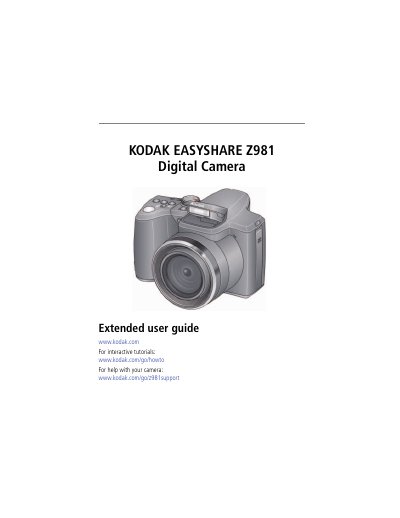
Kodak EasyShare Z981 Digital Camera Extended User Guide
This guide covers everything you need to start using the Kodak EasyShare Z981, from charging the rechargeable batteries and loading SD/SDHC cards to configuring language, date, and time settings. It also explains how to attach the strap, use the vertical grip, and connect optional power accessories.
Later sections walk you through taking photos and videos, using the various capture modes, zoom, flash, and focus options, as well as reviewing, editing, and sharing images. The manual finishes with troubleshooting tips, specifications, care and maintenance instructions, and regulatory compliance information.
Kodak Z981 specifications
| Sensor type | 1/2.33-type CCD |
|---|---|
| Effective pixels | 14 MP |
| LCD size | 7.6 cm (3.0 in.) |
| Maximum SD card size | 32 GB |
| Optical zoom | 26X |
| Digital zoom | 5X |
| Focus system | TTL-AF |
| Shutter speed range | 16–1/2000 s |
Source: Kodak EasyShare Z981 Digital Camera Extended User Guide
All Kodak Z981 documents by type
Day-to-day operation, settings and troubleshooting. Start here if the product is already set up.
Questions answered in these manuals
How do you charge the rechargeable batteries?
Lights are on while the charger is plugged in; charge the KODAK Ni‑MH Pre‑Charged Rechargeable Batteries AA before use and occasionally discharge them to depletion.
From: Kodak EasyShare Z981 Digital Camera Extended User Guide
What is the optical zoom range of the camera?
The camera provides a 26X optical zoom, equivalent to a 26–676 mm (35 mm equivalent) lens.
From: Kodak EasyShare Z981 Digital Camera Extended User Guide
How do I charge the battery?
Insert the battery into the charger; the indicator light will turn on once the charger is connected.
How can I change the language and date/time settings?
Press the Menu button, select the language/date option, adjust the fields, and press OK to confirm.