
Key facts
- Brand
- Kodak
- Model
- AZ527
- Category
- Digital cameras
- Documents
- 3
- Languages
- EN · ES
- Last added
- 2026-10-20
Start here
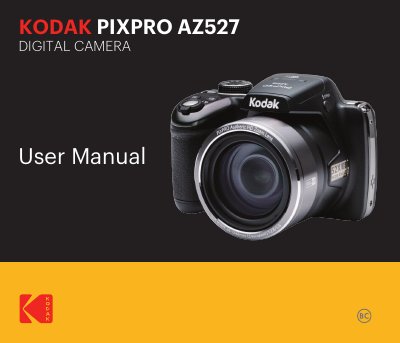
KODAK AZ527 Digital Camera User Manual
This manual provides instructions for using the KODAK AZ527 digital camera, including safety precautions, battery and memory card handling, and proper storage. It also includes regulatory compliance information for use in the U.S., Canada, and Europe. The manual advises users to avoid exposing the camera to moisture, extreme temperatures, or magnetic fields, and to handle the battery and memory card with care to prevent damage or malfunction.
Read onlineKODAK AZ527 specifications
| Operating System | iOS 10 or later or Android 5.0 or later |
|---|---|
| Connection Range | 10 meters (32.8 feet) |
| Password Length | 8 digits |
All KODAK AZ527 documents by type
Day-to-day operation, settings and troubleshooting. Start here if the product is already set up.
Questions answered in these manuals
What operating system versions are required for the app?
The smart device operating system version needs to be iOS 10 or higher, or Android 5.0 or higher.
How far can the camera and smart device be from each other?
The camera and the smart device can only be connected within 10 meters (32.8 feet) without signal shielding interference.
What are the system requirements for the device?
The device must run iOS 10 or later or Android 5.0 or later.
What is the maximum connection distance?
The camera and device should be within 10 meters (32.8 feet) without interference.
What steps should I take if water accidentally contacts the camera?
Turn the camera off, remove the battery and memory card, and dry it within 24 hours.
How long must I wait before turning on the camera after moving it from a cold place?
You must wait for a reasonable period of time to allow condensation to clear.