
Key facts
- Brand
- Kodak
- Model
- MC3
- Industry
- Electronics
- Documents
- 2
- Languages
- EN · ZH
- Last added
- 2012-03-15
Start here
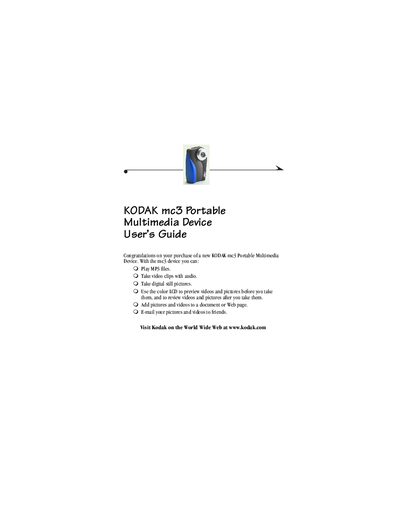
Kodak mc3 Portable Multimedia Device User Guide
This guide walks you through getting started with the Kodak mc3, including attaching the wrist strap, loading the AAA batteries, and inserting a Kodak Picture Card. It also covers basic functions such as playing MP3 files, taking photos and videos, and transferring media to a computer.
Additional sections detail software installation for Windows and Macintosh, troubleshooting tips, warranty information, and technical specifications. Safety instructions for battery use and device handling are also provided.
Kodak MC3 specifications
| Battery type | AAA |
|---|---|
| Part number | 6B5410_CT |
| Supported operating systems | Windows, Macintosh |
All Kodak MC3 documents by type
Day-to-day operation, settings and troubleshooting. Start here if the product is already set up.
Questions answered in these manuals
How do I attach the wrist strap to the mc3 device?
Thread the short loop of the wrist strap through the recessed post, then thread the long end through the short loop and pull until secure.
What batteries does the mc3 use and how are they installed?
The mc3 uses three AAA-size batteries; insert the single battery with the (+) end first and the other two with the (‑) end first, then close the battery door.
What steps are required before using the mc3 device?
Attach the strap, insert the memory card, and then power on the unit.
How can I transfer files to the mc3?
Connect the device to a Windows or Macintosh computer and copy the files to the unit.