
Key facts
Start here
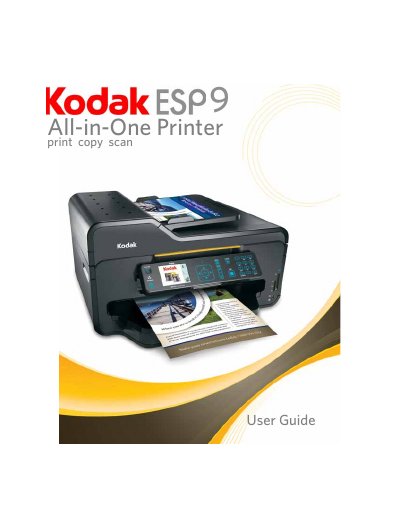
Kodak ESP 9 All-in-One Printer User Manual
This user manual provides step-by-step instructions for setting up and operating the Kodak ESP 9 All-in-One printer. It covers connecting to networks (wired and wireless), configuring print and scan settings, using the control panel, and managing fax functions. The guide also includes detailed troubleshooting for common issues like paper jams, print quality problems, and connectivity errors.
Maintenance tasks such as cleaning the scanner, replacing ink cartridges, and updating software are explained. The manual supports both Windows and Macintosh operating systems and includes sections for configuring the Home Center software and managing printer settings through the control panel or computer.
Kodak ESP 9 specifications
| Software Support | Home Center for Windows, Home Center for Macintosh |
|---|---|
| Physical Specifications | Not explicitly detailed in text, but includes dimensions and weight. |
| Warranty | Not explicitly detailed in text. |
All Kodak ESP 9 documents by type
Day-to-day operation, settings and troubleshooting. Start here if the product is already set up.
Questions answered in these manuals
What should I do if my printer fails to power on?
Refer to the troubleshooting section for steps to resolve power-on issues.
How do I replace ink cartridges?
Follow the maintenance options section to replace ink cartridges.
What types of paper can I use with the ESP 9200 Series printer?
The printer accepts plain paper, photo paper, card stock, envelopes, transparencies (inkjet variety with white stripe), and labels on 8.5 × 11‑in. or A4 sheets.
Where can I find software updates and support for the ESP 9200 Series printer?
Visit the Kodak support site at www.kodak.com/go/aiosupport for FAQs, software or firmware upgrades, the extended user guide, and other assistance.