
Key facts
- Brand
- Kodak
- Model
- CX4200
- Category
- Digital cameras
- Documents
- 2
- Languages
- EN
- Last added
- 2023-10-17
Start here
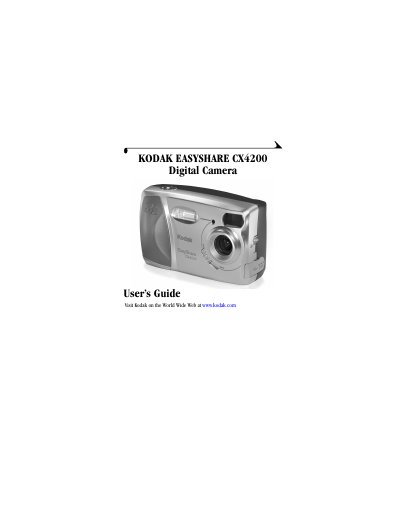
Kodak EasyShare CX4200 Digital Camera User's Guide
User Manual 104 pages · 9.1 MB · EN
This guide explains how to use the Kodak EasyShare CX4200 digital camera, including installing software, charging the battery, taking and reviewing pictures, and customizing settings. It also covers connecting the camera to a computer and using the Camera Dock II for charging and transferring pictures. Troubleshooting tips are provided for common issues.
Read onlineKodak CX4200 specifications
| Pixel Resolution (Best) | 2.0 MP 1632 x 1232 |
|---|---|
| ISO Sensitivity | Automatic (100, 200) |
| Flash Range | 1.6 to 7.8 ft (0.5 to 2.4 m) |
| Operating Temperature | 32 to 104 °F (0 to 40°C) |
| Video Out | NTSC or PAL |
All Kodak CX4200 documents by type
User Manual 2
Day-to-day operation, settings and troubleshooting. Start here if the product is already set up.
Questions answered in these manuals
What can I do with my digital pictures?
You can transfer, share, organize, edit, and print pictures. You can also use optional MMC/SD cards for printing at KODAK Picture Makers or retailers.
How do I connect the camera to a computer?
Connect the camera using a USB cable. Install the software first, then transfer pictures to your computer.
What type of memory card does the CX4200 use?
The CX4200 uses MMC/SD memory cards.