
Key facts
Start here
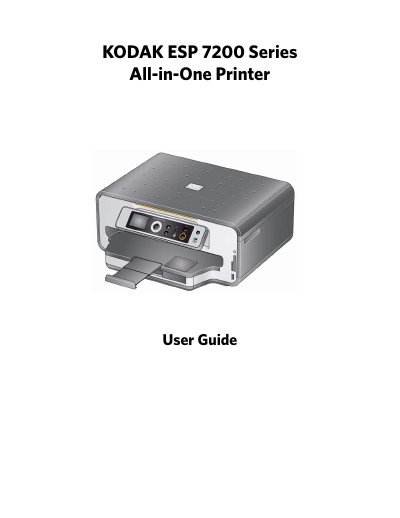
Kodak ESP 7200 Series All-in-One Printer User Guide
The Kodak ESP 7200 Series All-in-One Printer allows users to print, copy, and scan documents and photos. It supports networking via wireless (Wi-Fi) or Ethernet connections and includes features like KODAK PERFECT TOUCH Technology for image enhancement. The printer utilizes a 2-cartridge, 6-ink system and supports various paper sizes and media types.
Read onlineKodak ESP 7200 Series specifications
| Black print speed | Up to 32 pages per minute on plain paper |
|---|---|
| Color print speed | Up to 30 pages per minute on plain paper |
| Print technology | Continuous-tone, thermal inkjet |
| Paper capacity (Bottom tray) | 100 sheets of 20 lb plain paper |
| Paper capacity (Top tray) | 40 sheets of photo paper |
| Ink handling | 2-cartridge, 6-ink system |
| Wi-Fi technology | 802.11n, WPA, WMM, and WPS |
All Kodak ESP 7200 Series documents by type
Day-to-day operation, settings and troubleshooting. Start here if the product is already set up.
Questions answered in these manuals
What print quality modes are available?
The printer supports Draft, Normal, and Best modes on plain paper, and Photo quality mode on photo paper.
Does the printer support wireless printing?
Yes, the printer supports networking over a wireless (Wi-Fi) or Ethernet network.
What paper weights are supported for plain paper and envelopes?
The printer supports plain paper and envelopes with weights ranging from 20 to 24 lb or 75 to 90 gsm.
What is the maximum capacity of the main paper tray for plain paper?
The main paper tray can hold a maximum of 100 sheets of plain paper.