
Key facts
- Brand
- Kodak
- Model
- P720
- Category
- Other Electronics
- Documents
- 2
- Languages
- EN
- Last added
- 2023-10-17
Start here
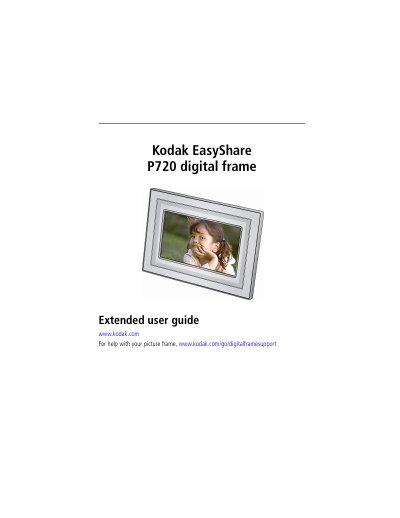
Kodak EasyShare P720 Digital Frame Extended User Guide
The Kodak EasyShare P720 digital frame is designed for viewing digital photos with a 7-inch analog LCD display. The device features a touch-sensitive border for navigation, allowing users to browse pictures, run slide shows, and access settings. It supports various memory card formats including SD, SDHC, MMC, Memory Stick, and xD, as well as direct USB connections to digital cameras and flash drives.
Read onlineKodak P720 specifications
| Display | 17.8 cm (7 in.) diagonal analog LCD, 480 x 234 pixels |
|---|---|
| Aspect Ratio | 16:9 |
| Viewable Area | 154 x 87 mm (6.1 x 3.4 in.) |
| Internal Memory | None |
| Power (US) | 110V AC adapter, model MPA-05015A |
| Power (WW) | 110 - 240V AC adapter, model MPA-05015 |
| Picture Formats | JPEG, EXIF 2.2 |
| Operating Temperature | -20 to 60 °C |
| Dimensions | 26.2 x 19.3 x 3.8 cm |
Source: Kodak EasyShare P720 Digital Frame Extended User Guide
All Kodak P720 documents by type
Day-to-day operation, settings and troubleshooting. Start here if the product is already set up.
Questions answered in these manuals
What memory cards are supported?
The frame supports MMC, SD/SDHC, Memory Stick, and xD memory cards.
From: Kodak EasyShare P720 Digital Frame Extended User Guide
Can I play video or music files?
No, the frame does not support video or music formats.
From: Kodak EasyShare P720 Digital Frame Extended User Guide
What paper weights are supported for plain paper and envelopes?
The printer supports plain paper and envelopes with weights ranging from 20 to 24 lb or 75 to 90 gsm.
What is the maximum capacity of the main paper tray for plain paper?
The main paper tray can hold a maximum of 100 sheets of plain paper.