
The Kodak EasyShare CX6200 digital camera user guide provides information on the features and characteristics of the camera, including instructions for operation, taking photos, shooting videos, viewing photos and videos, and sharing photos and videos.
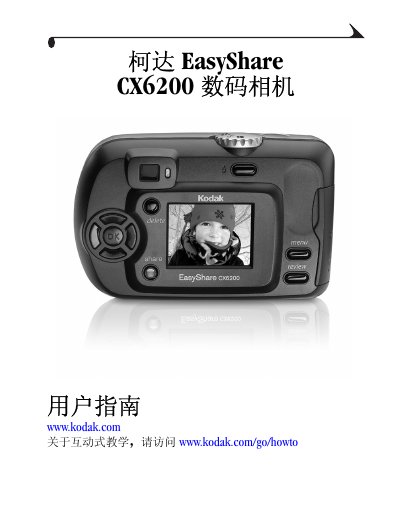
This manual provides a complete overview of the Kodak EasyShare CX6200 digital camera, including its physical layout, button functions, and optional accessories such as the SD/MMC card slot and USB connection. It guides users through basic tasks like turning the camera on, inserting batteries, and navigating menus.
Detailed sections cover shooting still photos and video, using flash, adjusting exposure, reviewing and sharing media, and connecting the camera to a computer for file transfer. Troubleshooting tips and specifications for the optional 6000 camera base are also included. This manual is written in Chinese.
| Resolution | 2.1 MP |
|---|---|
| Image sensor size | 1/3.2 inch CCD |
| ISO range | Auto 100‑200 |
| Weight | 6.5 oz |
| Internal storage capacity | 97 MB |
| Battery type | NiMH rechargeable |
| Charging time | <7 seconds |
Open the SD/MMC card slot on the side of the camera and gently push the card in until it clicks into place.