
This file is the user manual of Kodak EasyShare CX6200 digital camera
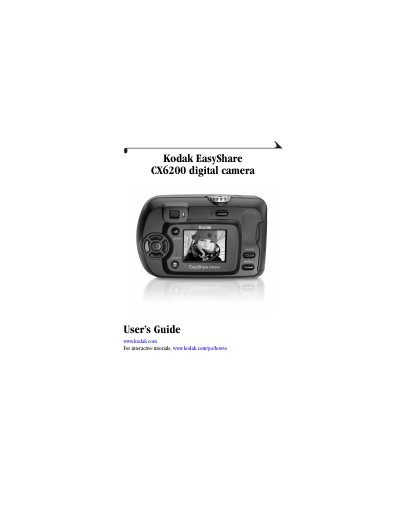
This guide helps you use the Kodak EasyShare CX6200 digital camera. It covers installing software, loading batteries, attaching accessories, and operating the camera’s controls. You’ll learn how to take and review photos and videos, adjust settings, share media, and troubleshoot common issues. The manual also includes specifications and information on using the optional Camera Dock 6000.
| Color | 24-bit, millions of colors |
|---|---|
| Color modes | Color, black & white, sepia |
| Communication with computer | USB, via: USB cable; EasyShare camera dock 6000; or printer dock 6000 |
| Dimensions | Width 4.1 in. (104 mm), Depth 1.6 in. (41 mm), Height 2.6 in. (65 mm) |
| Weight | 6.5 oz (185 g) with battery and card |
| File format | Still JPEG/EXIF v2.2 |
| Flash Modes | Auto, Fill, Red-eye, Off |
| Range | 1.6-7.9 ft (0.5-2.4 m) |
| Charging Time | Less than 7 seconds with charged battery |
| ISO speed | Automatic (100 - 200, 140 in Flash Mode) |
| Image Sensor | 1/3.2 in. CCD, 4:3 aspect ratio, RGB Bayer CFA, 2.1 MP |
Turn the camera on and off using the shutter button or the power switch.
Still images are saved in JPEG/EXIF v2.2 format.
Connect via USB cable, EasyShare camera dock 6000, or printer dock 6000.
The camera weighs 6.5 oz (185 g) with battery and card.