
This manual introduces basic use of the KODAK EASYSHARE CX4200 digital camera.
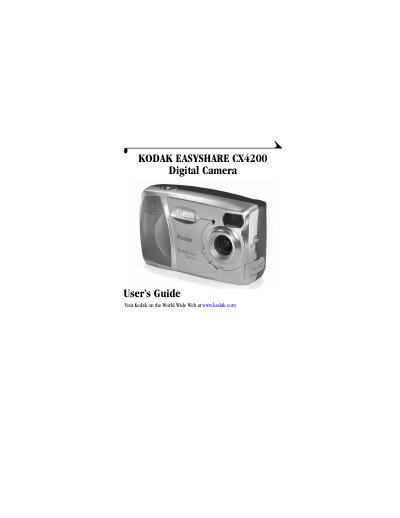
This guide explains how to use the Kodak EasyShare CX4200 digital camera, including installing software, charging the battery, taking and reviewing pictures, and customizing settings. It also covers connecting the camera to a computer and using the Camera Dock II for charging and transferring pictures. Troubleshooting tips are provided for common issues.
| Pixel Resolution (Best) | 2.0 MP 1632 x 1232 |
|---|---|
| ISO Sensitivity | Automatic (100, 200) |
| Flash Range | 1.6 to 7.8 ft (0.5 to 2.4 m) |
| Operating Temperature | 32 to 104 °F (0 to 40°C) |
| Video Out | NTSC or PAL |
You can transfer, share, organize, edit, and print pictures. You can also use optional MMC/SD cards for printing at KODAK Picture Makers or retailers.
Connect the camera using a USB cable. Install the software first, then transfer pictures to your computer.
32 to 104 °F (0 to 40°C).